
 by
by 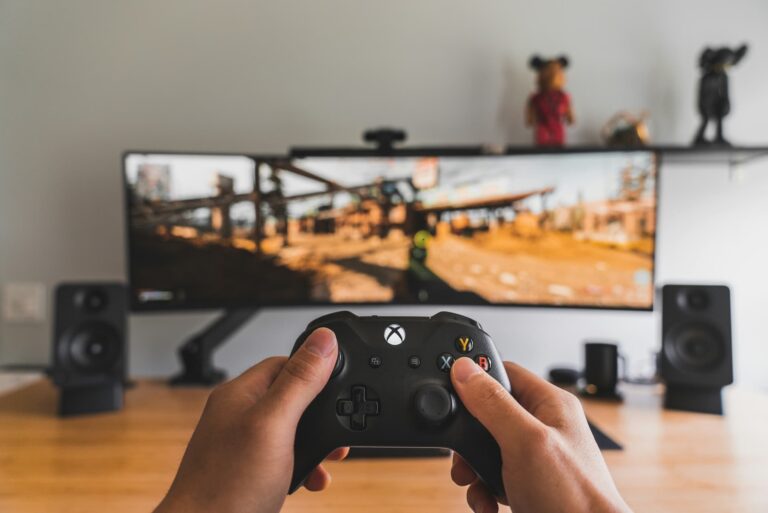
Though we spend ample time examining consumer-based XR endpoints, greater near-term impact is seen in the enterprise. This includes brands that use AR to promote products in greater dimension (B2B2C) and industrial enterprises that streamline their own operations (B2B).
These industrial endpoints include visual support in areas like assembly and maintenance. The idea is that AR’s line-of-sight orientation can guide front-line workers. Compared to the “mental mapping” they must do with 2D instructions, visual support makes them more effective.
And with VR, employee training and onboarding can be elevated through immersive sequences that boost experiential learning and memory recall. It also scales given that far-flung employees can get the same quality training, versus costly travel for senior training staff.
Altogether, there are micro and macro benefits to enterprise XR. The above micro efficiencies add up to worthwhile bottom-line impact when deployed at scale. Macro benefits include lessening job strain and closing the “skills gap,” which can preserve institutional knowledge.
But how is this materializing today and who’s realizing enterprise XR benefits? Our research arm ARtillery Intelligence tackled these questions in a recent report. It joins our report excerpt series, with the latest below on Microsoft’s AR-guided customer support efforts.
Flying Blind
One of AR’s promises is to solve a longstanding pain point: tech support. Whether its in IT settings, consumer hardware, or helping relatives reset their router, the lack of visual orientation is a common pain point. Usually done over the phone, expert help is often flying blind.
In consumer tech support contexts, this issue is underscored by the operational costs of call centers, and the need to run shorter calls with higher success rates. Microsoft felt this issue in its support centers for the Xbox gaming console, so it was compelled find a better way.
To engender visually-empowered systems, Microsoft created pre-authored AR support sequences for the most common issues, such as connection and audio. Developed using AR platform Bundlar, these AR sequences let users localize their smartphones to a horizontal plane.
The process then dimensionally walked users through solutions to common problems. The UX utilized 3D models that were dimensionally accurate and positionally-tracked in users’ immediate space, so that they could visually orient themselves and effectively self-help their issues.
Keep it Simple
So what were the results? Through the new visually-guided AR support function, Microsoft was able to achieve a 49 percent ROI, a 17 percent call volume reduction, 35,000 user interactions, and a 25 percent increase in user demand. These are strong results by call-center standards.
As for strategic takeaways, Microsoft’s successful program can be owed to its choice of AR-guided support – a use case that’s proven in IT support. Normally deployed to help dispatched technicians perform field work, it took the concept and applied it to consumers.
Moreover, it focused on a few user issues that took a disproportionate share of tech support resources. So it became a preemptive move to let customers solve their own issues before calling, thus freeing up support resources for higher-level problems, or reducing their overall call load.
The other key element of this program was its choice of hardware. Though headworn AR gets the most attention in enterprise deployments, this is one of the cases where mobile AR made more sense, due to consumer smartphone ubiquity. Sometimes in AR, the simplest format is best.
Header image credit: Sam Pak on Unsplash